 KokkorokoKokkoroko
Kokkoroko keeps crowing until you finish a wake-up mission. Built for heavy sleepers, chronic snoozers and anyone who turns the alarm off and falls straight back asleep.
Get Kokkoroko on the App Store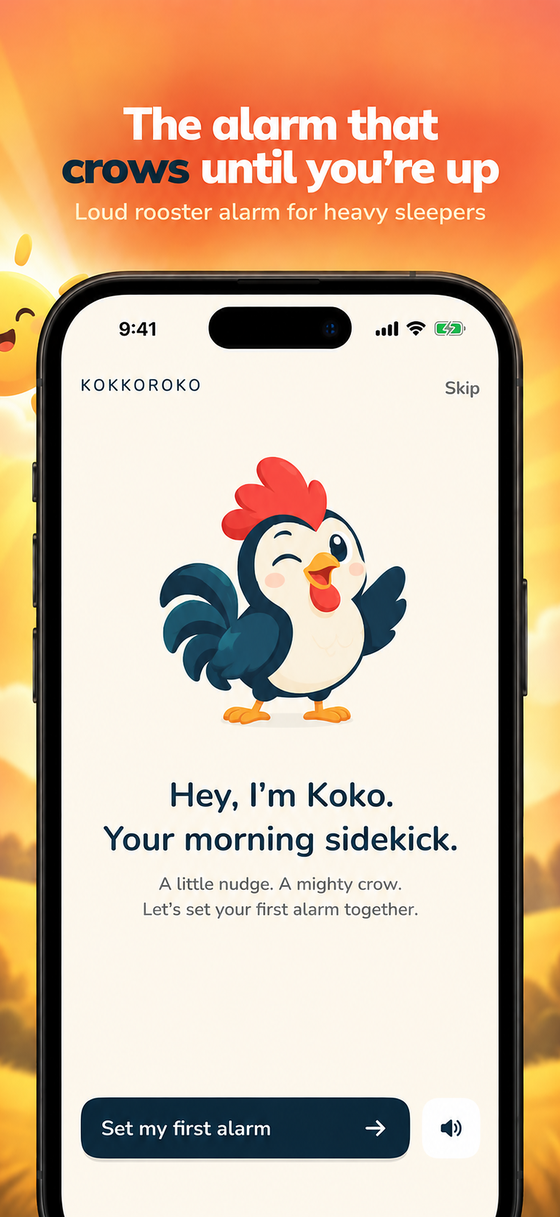
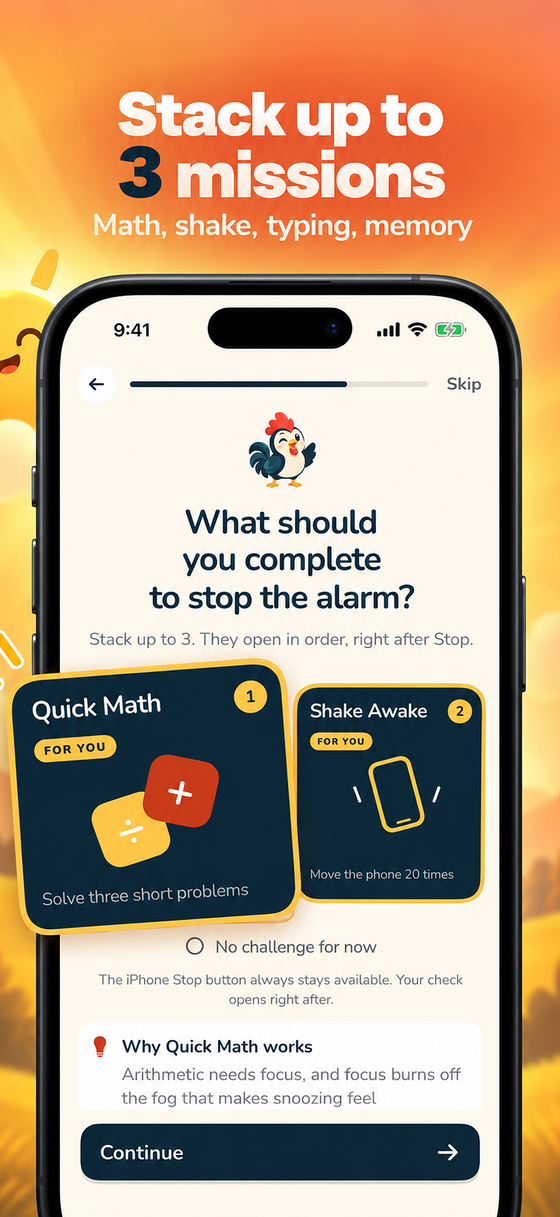
Three things most alarm apps get wrong, fixed.
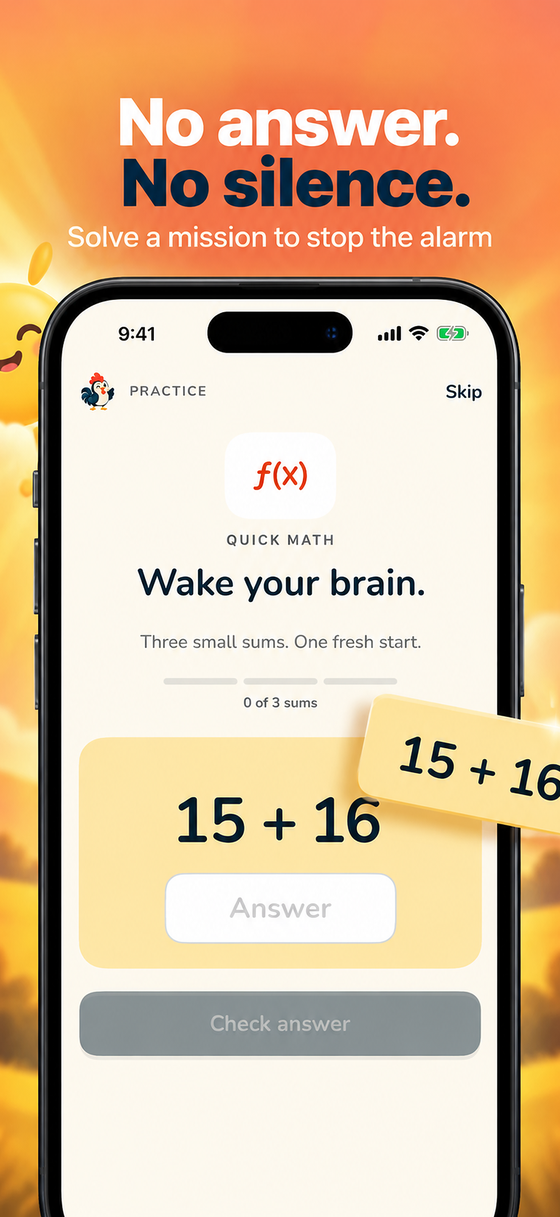
Solve math, retype a sentence, shake your phone or replay a colour pattern before the alarm stops. Stack up to three on one alarm.
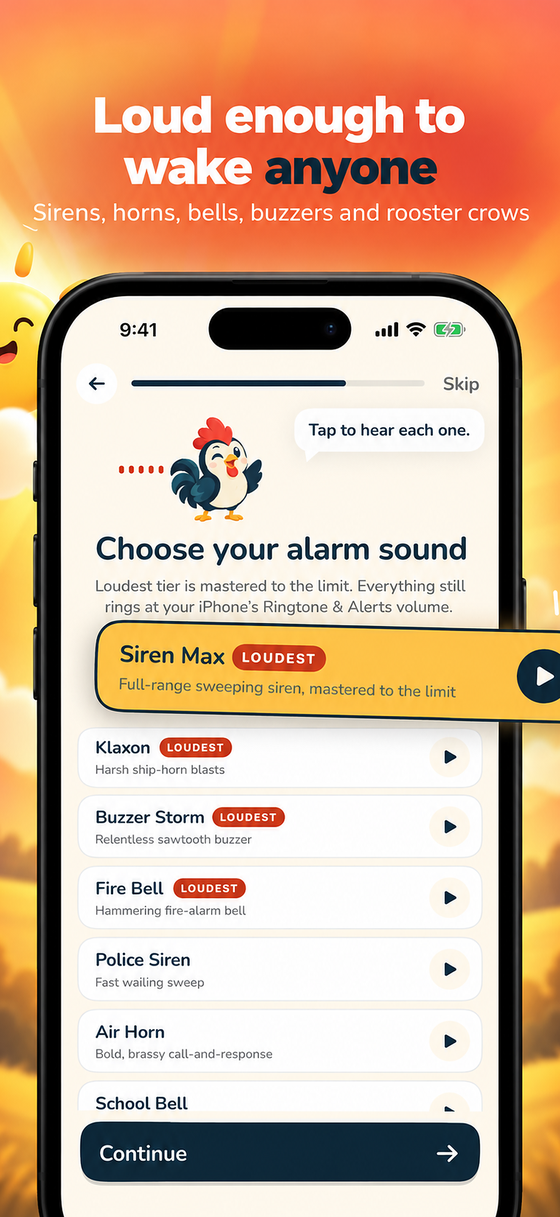
Rooster crows, sirens, air horns, bells, buzzers and more, each mastered to the limit of what your iPhone allows. New sounds arrive with updates.
Kokkoroko uses the iOS 26 alarm system, so it rings at your Ringtone & Alerts volume even when the switch is on silent.
Full-screen video wake-up themes: sunrise, ocean, deep space, forest mist, neon energy, and your own clips.
A rooster with a personality. He sleeps when you sleep, crows when it is time and reacts while you finish your mission.
Alarms stay on your iPhone. No sign-up, no advertising, no analytics SDKs.
No app can. Alarms play at the Ringtone & Alerts volume you set in Settings › Sounds & Haptics. Our Loudest sounds are mastered so every bit of that range is used.
Apple's own Stop button is always available on the Lock Screen alarm. Missions open right after you stop the alarm and are designed to take under a minute.
Weekly and yearly subscriptions with a 3-day free trial, or a one-time lifetime purchase. Prices are shown in the app in your local currency. Cancel any time in your Apple Account settings.
Email support@approtic.in and a human answers.